In this guide, you’ll learn why digital planners are reusable, how our free yearly updates work, and how to carry your system into a new year in a few minutes.
In this guide, you’ll learn why digital planners are reusable, how our free yearly updates work, and how to carry your system into a new year in a few minutes.
Step 01
Can you reuse a digital planner next year?
Can you reuse a digital planner next year?
Yes. A paper planner is finished the moment you fill the last page. A digital planner is a system: the layouts, formulas and connections stay the same, so you can keep using them year after year.
What usually changes from one year to the next is just the dates: the calendar, the weekdays and the month tabs. That’s exactly what our yearly updates take care of.
Yes. A digital planner is a system, not a notebook. The layouts and formulas stay the same. Only the dates change, and our yearly updates handle that.
Step 02
How our free yearly updates work
How our free yearly updates work
Every Organized Dashboard template is a one-time purchase with lifetime updates. Here’s what that means for you:
You buy once. There’s no subscription and no renewal fee.
We refresh the dates. Before each new year, we prepare an updated version with the new calendar.
You get it free. The updated planner is yours at no extra cost.
You keep planning. Carry your habits, goals and routines straight into the new year.
In short: you never have to buy the same planner again. Keep your purchase email handy, as it’s the easiest way to find your template. If you ever need help getting the latest version, email organizeddashboard@gmail.com and we’ll sort it out.
Buy once. No subscription or renewal.
We refresh the dates before each new year.
You get it free. No extra cost.
Keep planning. Carry your habits and goals over.
Keep your purchase email handy. Need help? Email organizeddashboard@gmail.com.
Step 03
Paper vs digital: the cost over time
Paper vs digital: the cost over time
Paper planner | Organized Dashboard planner | |
|---|---|---|
Year 1 | Buy a planner | One-time purchase |
Year 2 | Buy a new one | Free yearly update |
Year 3 | Buy a new one | Free yearly update |
Setting up | Rewrite habits and goals by hand | Carry them over in minutes |
Old years | Stacks of used notebooks | Saved digitally, easy to look back on |
Over a few years, a reusable digital planner usually costs less than a new paper planner every January, and it saves you the setup time too.
Year 1: buy a paper planner vs one-time purchase
Year 2 and 3: buy again vs free update
Setup: rewrite by hand vs carry over in minutes
Old years: stacks of notebooks vs saved digitally
Over a few years, digital costs less and saves setup time.
Buy once, reuse every year

Step 04
How to set up your planner for a new year
How to set up your planner for a new year
Review the year. Look back at your goals, habits and wins before you reset.
Open your updated version. Start the new year in the refreshed copy of your template.
Carry over what works. Bring across the habits, routines and goals you want to keep.
Keep last year as an archive. Your old copy stays exactly as it is, as a record of your progress.
Set one fresh focus. Start the year with one clear goal, not twenty.
You start the new year with a system you already know how to use, instead of learning a brand-new planner from scratch.
Review last year’s goals and wins.
Open your updated version.
Carry over what works.
Keep last year as an archive.
Pick one fresh focus.
You start the year with a system you already know.
Ready for a fresh start

Key takeaway
Buy your planner once and keep it for good. With free yearly updates, your Organized Dashboard template is ready for every new year, so you never have to buy it again.
Step 05
Which templates can you reuse?
Which templates can you reuse?
All of them. Our Notion and Google Sheets templates are built to be used year after year:
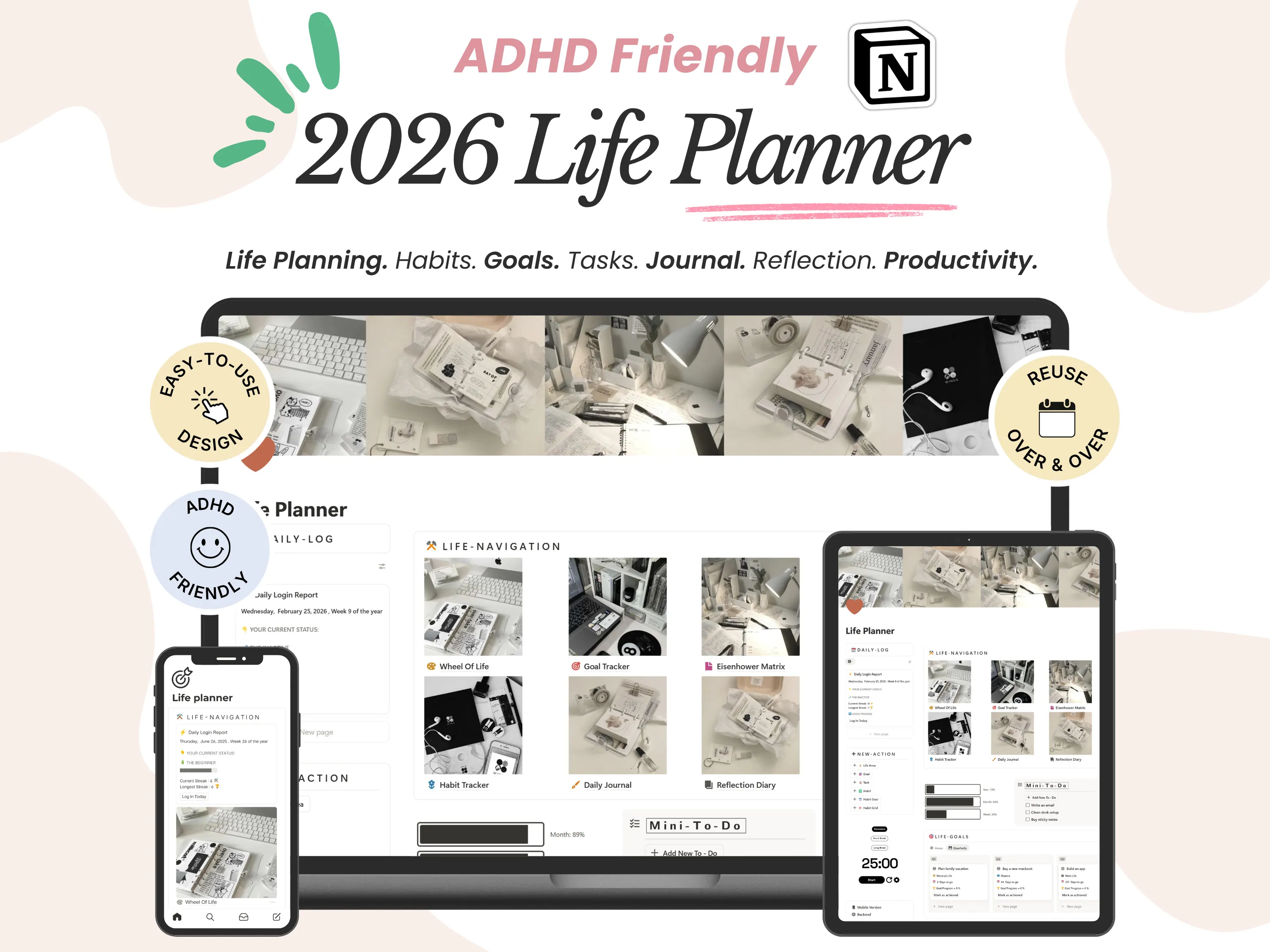
Dated planners like the 26/27 Daily Planner get new calendar dates with each yearly update.
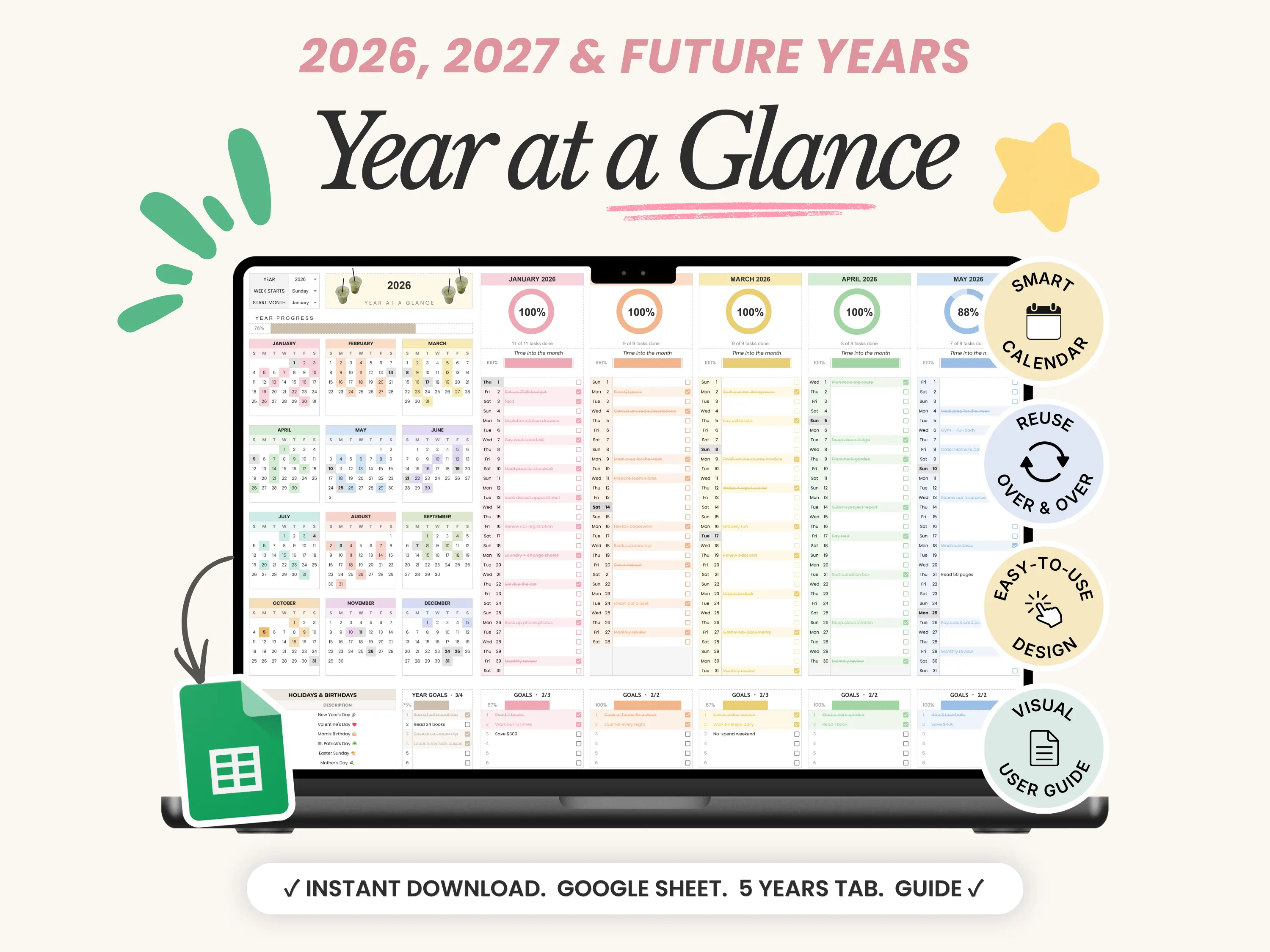
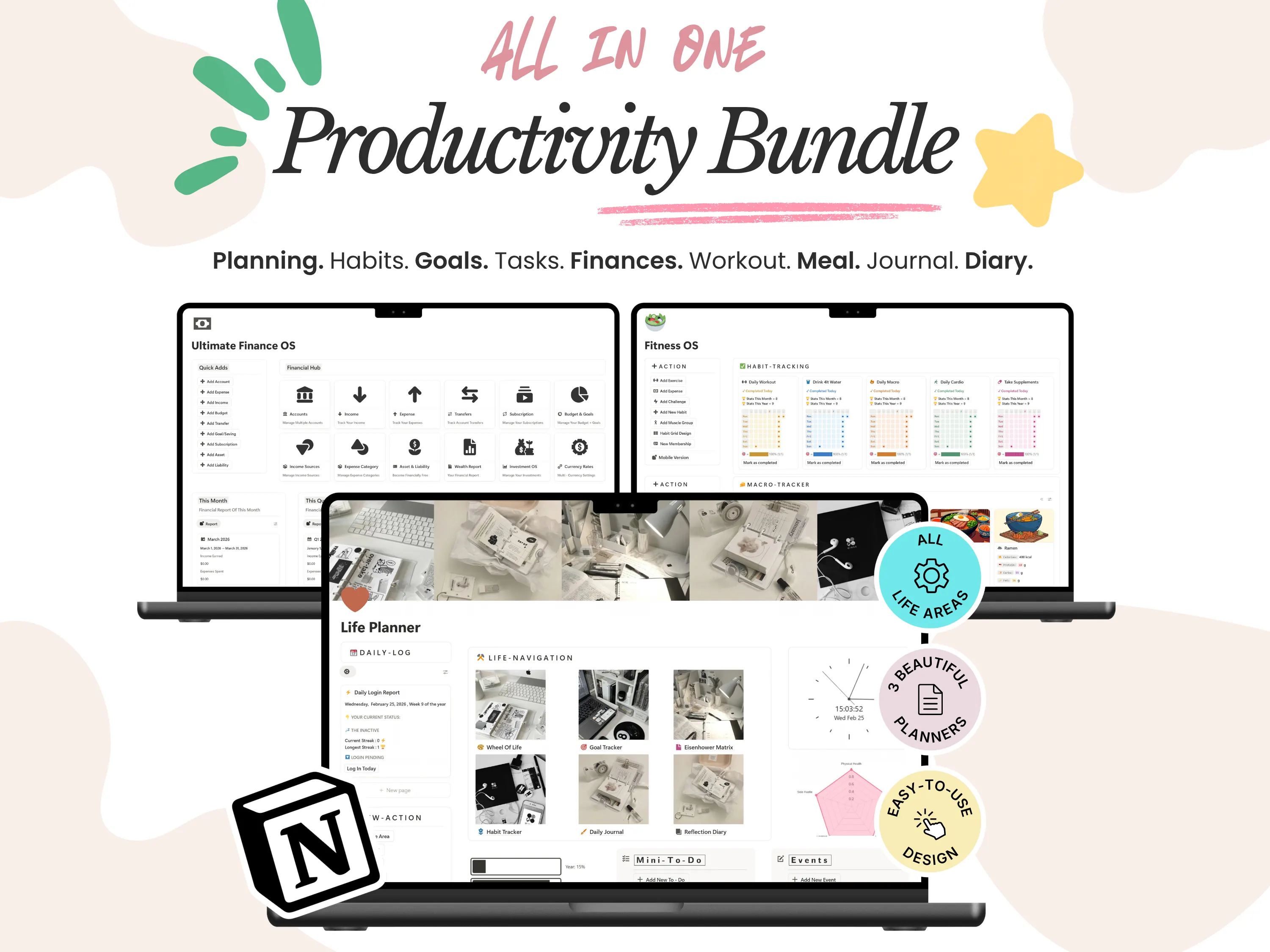
Undated systems like the ADHD Life Planner, Finance OS and Second Brain never expire. Just keep adding entries.
Trackers for habits, fitness and budgets simply roll on into the next year.
Not sure which app suits you? Read Should you get Google Sheets or Notion?
Dated planners like the 26/27 Daily Planner get new dates every year.
Undated systems like the ADHD Life Planner and Finance OS never expire.
Trackers for habits, fitness and budgets just roll on.
Not sure which app? Compare Notion and Google Sheets
Step 06
Final thoughts
Final thoughts
A digital planner is one of the few things you can buy once and keep using for years. With Organized Dashboard, every template is a one-time purchase with free yearly updates, so you never have to buy the same planner twice.
New to digital planning? Start with What is a digital planner? Have a question before you buy? Email organizeddashboard@gmail.com. We’re happy to help.
Buy once, keep planning for years. Every template is a one-time purchase with free yearly updates.
Questions? Email organizeddashboard@gmail.com.
Templates in this guide
Frequently asked questions
Frequently asked questions
Do I have to pay for next year’s planner?
No. Every purchase includes lifetime updates, so each new year’s version of your template is free. You never have to buy the same planner again.
Will I lose my old entries when I update?
Is there a subscription?
What if I can’t find my template link?
Can I start using it right away?

