In this guide: the quick answer, a side-by-side comparison, when each app wins, our top picks for each, and how to use both together.
In this guide: the quick answer, a side-by-side comparison, when each app wins, our top picks for each, and how to use both together.
Step 01
The quick answer
The quick answer
Short on time? Here’s the honest answer.
Choose Google Sheets if you like grids, numbers, charts and checkboxes, and want something that feels familiar from day one.
Choose Notion if you want an all-in-one workspace where tasks, notes, goals and journal pages link together.
Neither one is better. The best planner is the one you’ll actually open every morning.
Google Sheets: grids, numbers, charts and checkboxes. Familiar from day one.
Notion: an all-in-one space where tasks, notes and goals link together.
The best one is the one you’ll open every morning.
Step 02
Google Sheets vs Notion: side by side
Google Sheets vs Notion: side by side
Google Sheets | Notion | |
|---|---|---|
Cost | Free with a Google account | Free plan works for personal use |
Learning curve | Very low if you’ve used a spreadsheet | A little higher, then very flexible |
Best at | Numbers, trackers, charts and budgets | Planning, notes, linked pages and dashboards |
Automation | Formulas update totals, streaks and charts | Linked databases, rollups and buttons |
Look and feel | Clean, structured grid | Aesthetic, page-based dashboard |
Mobile | Google Sheets app | Notion app |
Sharing | Easy to share with a partner or family | Easy to share a page or a whole workspace |
Both sync automatically, so you can plan on your laptop and tick things off on your phone.
Cost: both free for personal use
Learning curve: Sheets is easier, Notion takes a little longer
Best at: Sheets for numbers, Notion for planning and notes
Automation: formulas vs linked databases
Look: clean grid vs aesthetic dashboard
Sharing: both easy, Sheets is simplest for family
Both sync, so plan on your laptop and tick things off on your phone.
Step 03
When Google Sheets is the better choice
When Google Sheets is the better choice
Google Sheets shines when your planning is mostly about tracking and numbers. It’s a good fit if:
You enjoy watching charts, percentages and progress bars move as you tick things off.
You want a budget, habit or fitness tracker that does the maths for you.
You prefer one file with clear tabs over lots of linked pages.
You already live in Google Drive, Gmail and Google Calendar.
You want to share a tracker with a partner or family without anyone learning a new app.
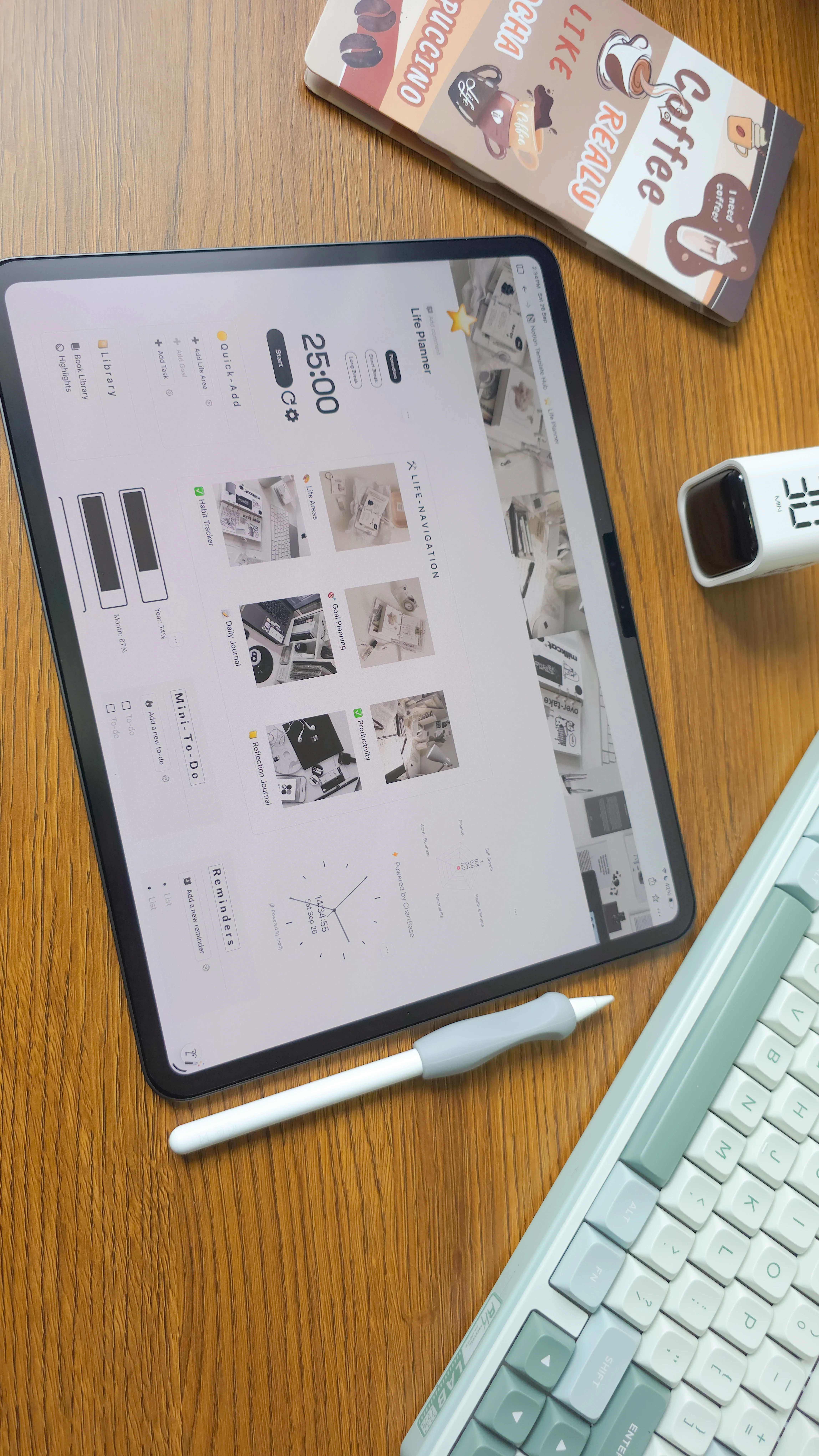
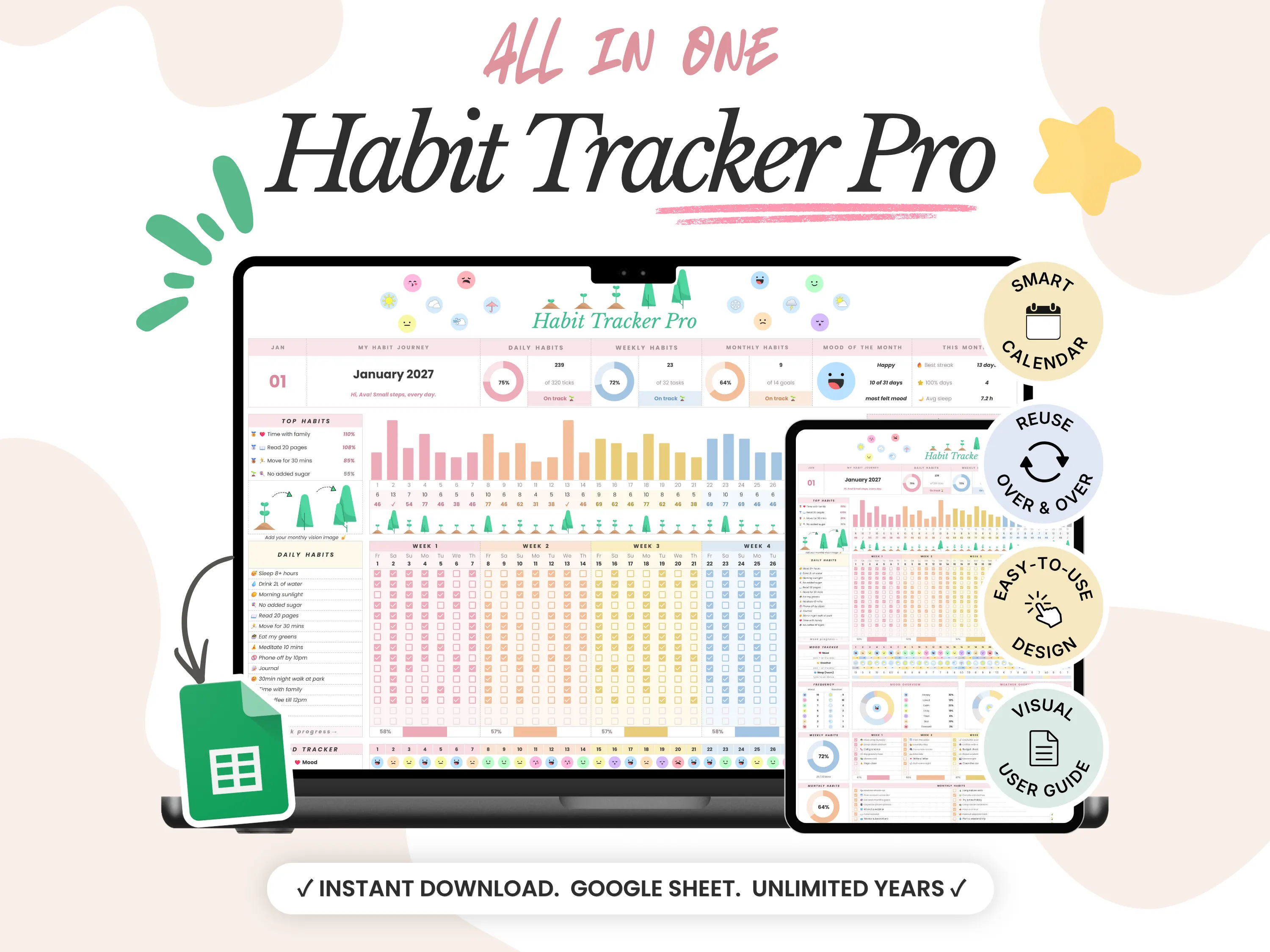
Our picks: the 26/27 Daily Planner puts your day, week, month, habits and goals in one Google Sheet with 18 connected tabs. Habit Tracker Pro tracks daily, weekly and yearly habits, plus mood and sleep, with charts that update as you go.
Pick Google Sheets if you:
Love watching charts and progress update
Want trackers that do the maths
Prefer one file with clear tabs
Already live in Google Drive
Our picks: 26/27 Daily Planner and Habit Tracker Pro.
Google Sheets picks

Step 04
When Notion is the better choice
When Notion is the better choice
Notion is the better fit when you want your whole life in one connected space. Pick it if:
You want tasks, goals, notes and journal pages linked together.
You like switching views (calendar, board, list or gallery) for the same tasks.
You care about a calm, aesthetic dashboard you enjoy opening.
You want a system that grows with you as you add new pages and projects.
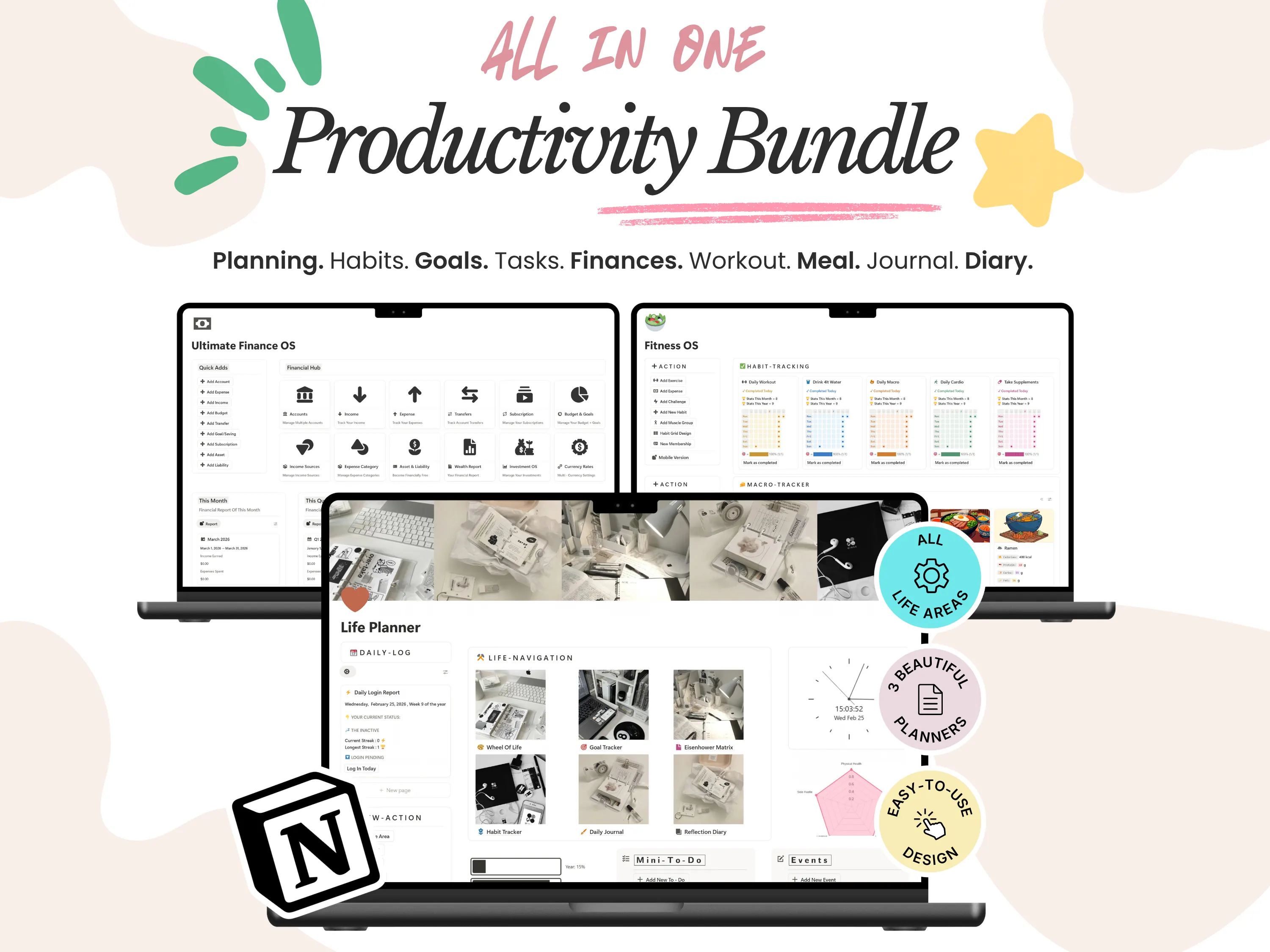
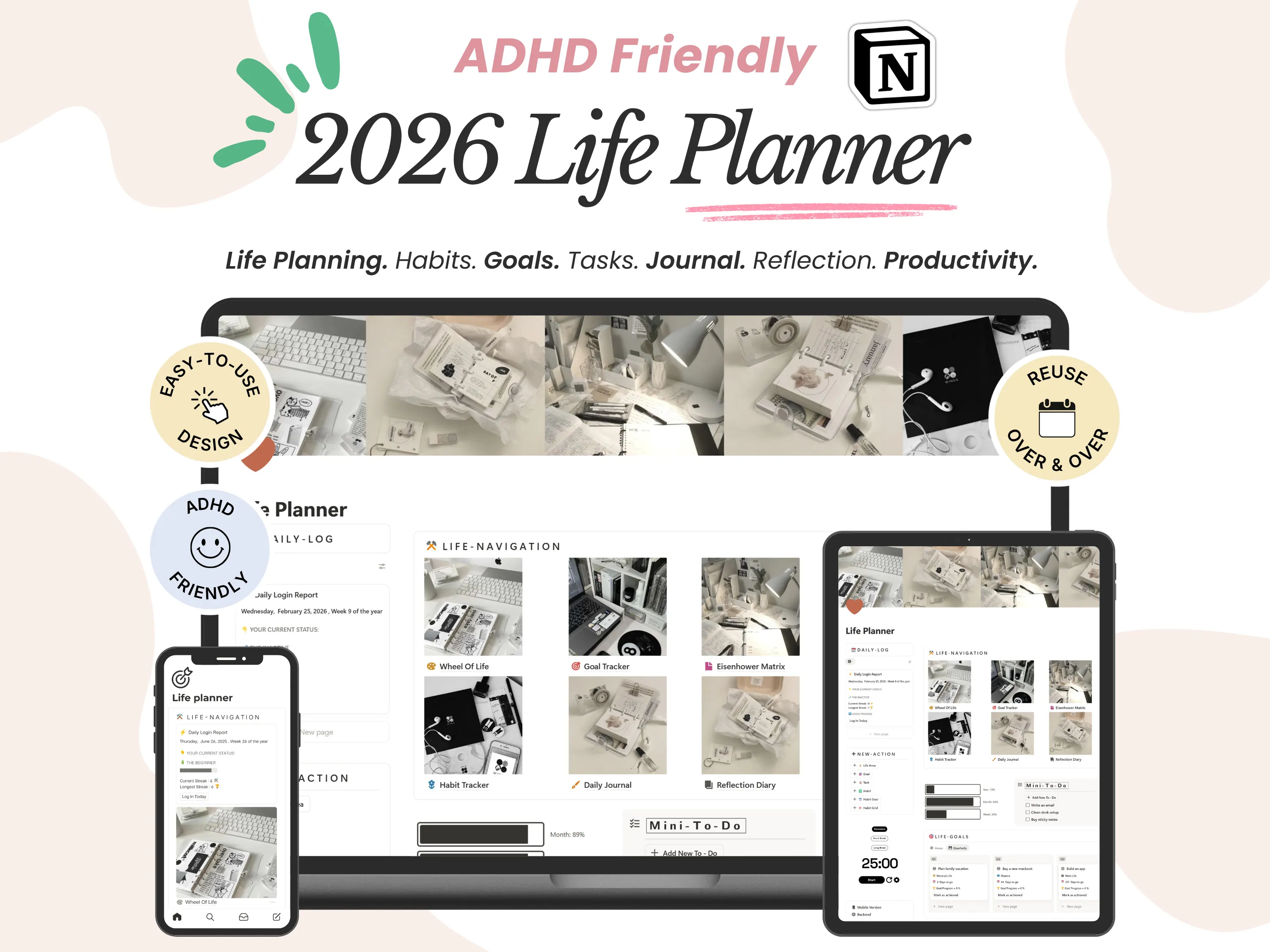
Our picks: the ADHD Life Planner brings goals, habits, tasks and a daily journal into one calm dashboard. Want more than planning? The Productivity Bundle adds Finance OS and Fitness OS, so your money and workouts live in the same place.
Pick Notion if you:
Want tasks, goals and notes linked
Like calendar, board and list views
Want a calm, aesthetic dashboard
Want a system that grows with you
Our picks: ADHD Life Planner and the Productivity Bundle.
Notion picks
Key takeaway
Google Sheets is best for trackers and numbers. Notion is best for connected planning and notes. Pick the one that matches how you already think, and add the other whenever you’re ready.
Step 05
Can you use both?
Can you use both?
Yes, and many of our customers do. A setup that works well:
Notion for planning your days, projects, goals and notes.
Google Sheets for numbers-heavy tracking like budgets, habits or workouts.
Every template is a one-time purchase that’s yours forever, so you can start with one app and add the other later. No subscription, ever.
Yes. Many customers use Notion for planning and Google Sheets for budgets, habits or workouts.
Every template is a one-time purchase, so add the other app whenever you like.
Step 06
Final thoughts
Final thoughts
Google Sheets and Notion are both excellent, free places to plan. Sheets wins on numbers and simplicity. Notion wins on flexibility and connection. If you’re still unsure, start with the app you already use. You can always add the other later.
New to digital planning? Start with What is a digital planner? Wondering whether your template will still work next year? Read Can you reuse your planner next year?
Sheets wins on numbers and simplicity. Notion wins on flexibility and connection. Not sure? Start with the app you already use.
New to digital planning? Read What is a digital planner?
Templates in this guide
Frequently asked questions
Frequently asked questions
Is Notion or Google Sheets easier for beginners?
Google Sheets usually feels easier on day one because it’s a familiar grid. Notion takes a little longer to learn, but our templates come ready to use, so you don’t have to build anything yourself.
Do I need a paid Notion or Google plan?
Which one works better on my phone?
Can I switch from Google Sheets to Notion later?
Will my template keep working next year?