Tutorials
·

Most yearly goals are forgotten by February, not because people lack willpower, but because the goals never leave the notebook they were written in. Tracking your goals in Google Sheets keeps them visible, breaks them into steps and shows you whether you're on track while there's still time to adjust.
Quick answer: To track yearly goals in Google Sheets, list each goal with a target, current progress and deadline, calculate progress with
=MIN(1,current/target), add a SPARKLINE progress bar and compare progress with how much of the year has passed. Review it monthly. The Year at a Glance planner includes a year goals tracker for up to 24 goals, plus monthly goals with their own progress bars.
Step 1: Choose goals worth tracking
Pick 3 to 5 big goals. More than that and none get real attention.
Spread them across life areas. Health, money, work, relationships and personal growth are common ones.
Make them SMART. Specific, measurable, achievable, relevant and time-bound. “Save $3,000 by December” beats “save more.”
Choose measurable targets. A number, a count or a clear yes/no makes tracking easy.
Step 2: Break each goal into milestones
A yearly goal is too big to act on. Split it into quarterly milestones, then into monthly actions.
Goal: Read 24 books this year.
Quarterly milestone: 6 books per quarter.
Monthly action: 2 books a month, about 20 pages a day.
This turns a vague hope into a plan you can check every month.
Step 3: Build a goals tracker in Google Sheets
Add headers in A1 to H1: Goal, Area, Target, Current, Progress, Deadline, Done and Notes.
Area dropdown. Use Data > Data validation with your life areas.
Progress. In E2 enter
=IFERROR(MIN(1,D2/C2),0)and format as a percentage. For yes/no goals, use 1 as the target.Progress bar. In I2 enter
=SPARKLINE(E2,{"charttype","bar";"max",1}).Days left.
=F2-TODAY()shows how long you have.On track or behind.
=IF(E2>=YEARFRAC(DATE(YEAR(TODAY()),1,1),TODAY()),"On track","Behind")compares your progress with how much of the year has passed.Done checkbox. Select G2:G25 and choose Insert > Checkbox.
Overall progress.
=COUNTIF(G2:G25,TRUE)/COUNTA(A2:A25)shows the share of goals completed.
Add conditional formatting on the status column: green for On track, soft red for Behind.
Step 4: Review your goals every month
A monthly review takes ten minutes and is where goals are won or lost.
Update the Current column for each goal.
Check the status. Anything Behind gets one small action for the coming month.
Adjust honestly. If a goal no longer matters, change or drop it. That’s a decision, not a failure.
Add next month’s actions to your calendar or planner.
A ready-made option: Year at a Glance
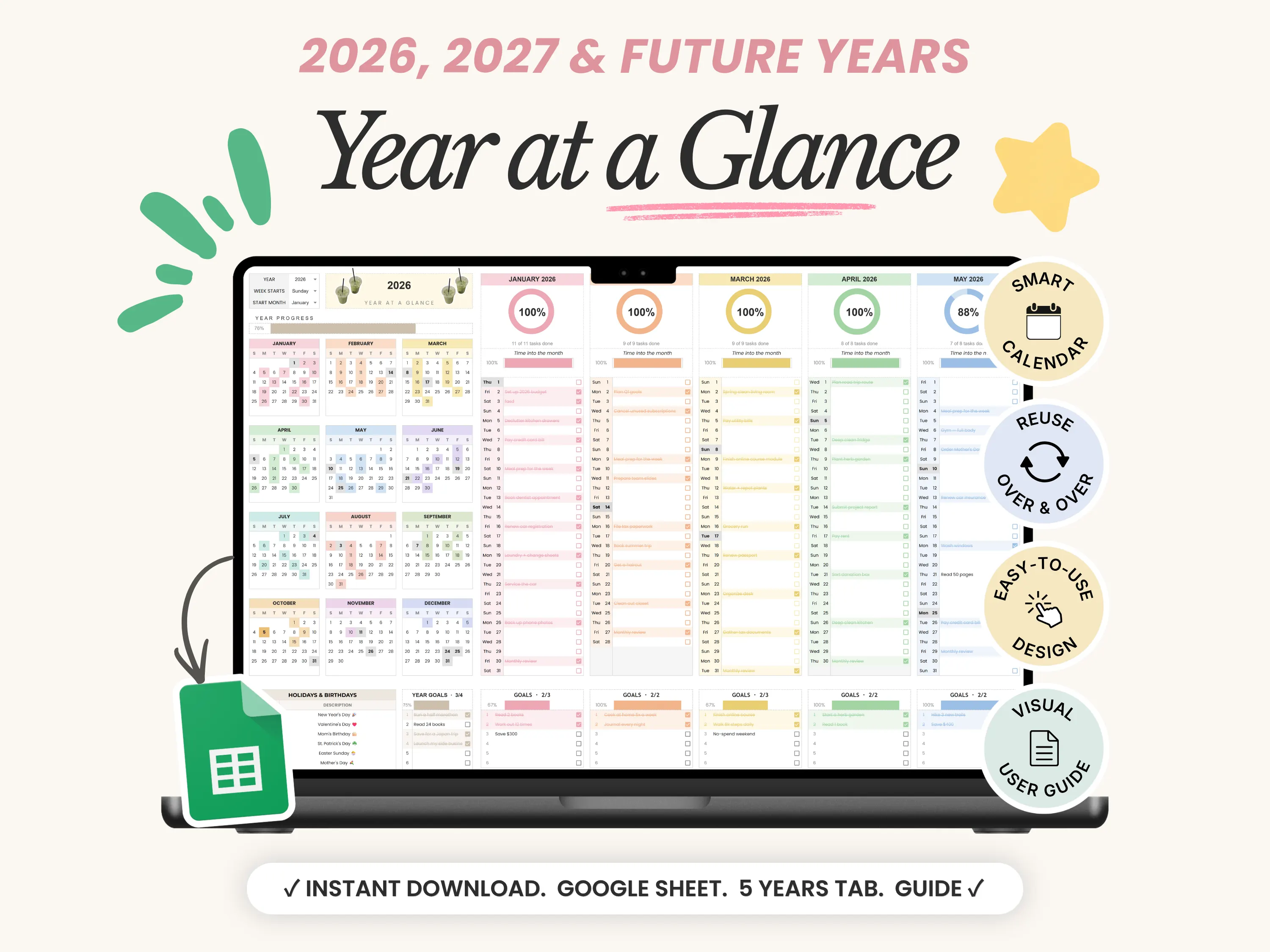
The Year at a Glance planner keeps goals next to the calendar they depend on. The year goals tracker holds up to 24 goals with a progress bar that fills as you tick them off. Each month also has its own goals, reminders and events sections, each with a progress bar, so yearly goals turn into monthly steps.
Twelve mini calendars color themselves as you plan, every month has a progress ring, and a year progress bar shows how far through the year you are. It includes five ready-made years from 2026 to 2030 and lets you start your year in any month.
If you want to see your whole year planned out first, read our guide to the year at a glance calendar in Google Sheets.
Common goal-setting mistakes
Goals with no number. If you can’t measure it, you can’t track it.
All goals due in December. Spread deadlines so progress shows up all year.
No review habit. Goals without a monthly check-in quietly disappear.
Too many goals. Five goals done beat fifteen started.
Frequently asked questions
How do I track goals in Google Sheets?
List each goal with a target and current value, calculate progress with =MIN(1,current/target) and add a SPARKLINE bar. Update the current value monthly.
How do I show if I’m on track for a yearly goal?
Compare your progress with =YEARFRAC(DATE(YEAR(TODAY()),1,1),TODAY()), the share of the year that has passed. If progress is higher, you’re on track.
How many yearly goals should I set?
Three to five big goals is a good range for most people, broken into quarterly milestones.
Can I track habits as goals?
Yes. Habits like “exercise 3 times a week” work well as monthly targets. For daily habits, a dedicated tracker like Habit Tracker Pro works better.
Does Year at a Glance work on my phone?
Yes, in the Google Sheets app with a free Google account.
The bottom line
Yearly goals stick when they’re specific, broken into steps and checked every month. A Google Sheets tracker makes all three easy. Build the tracker above, or use Year at a Glance to keep your goals, calendar and monthly progress on one screen. New here? Enter code WELCOME20 at checkout for 20% off your first order.