Templates
·
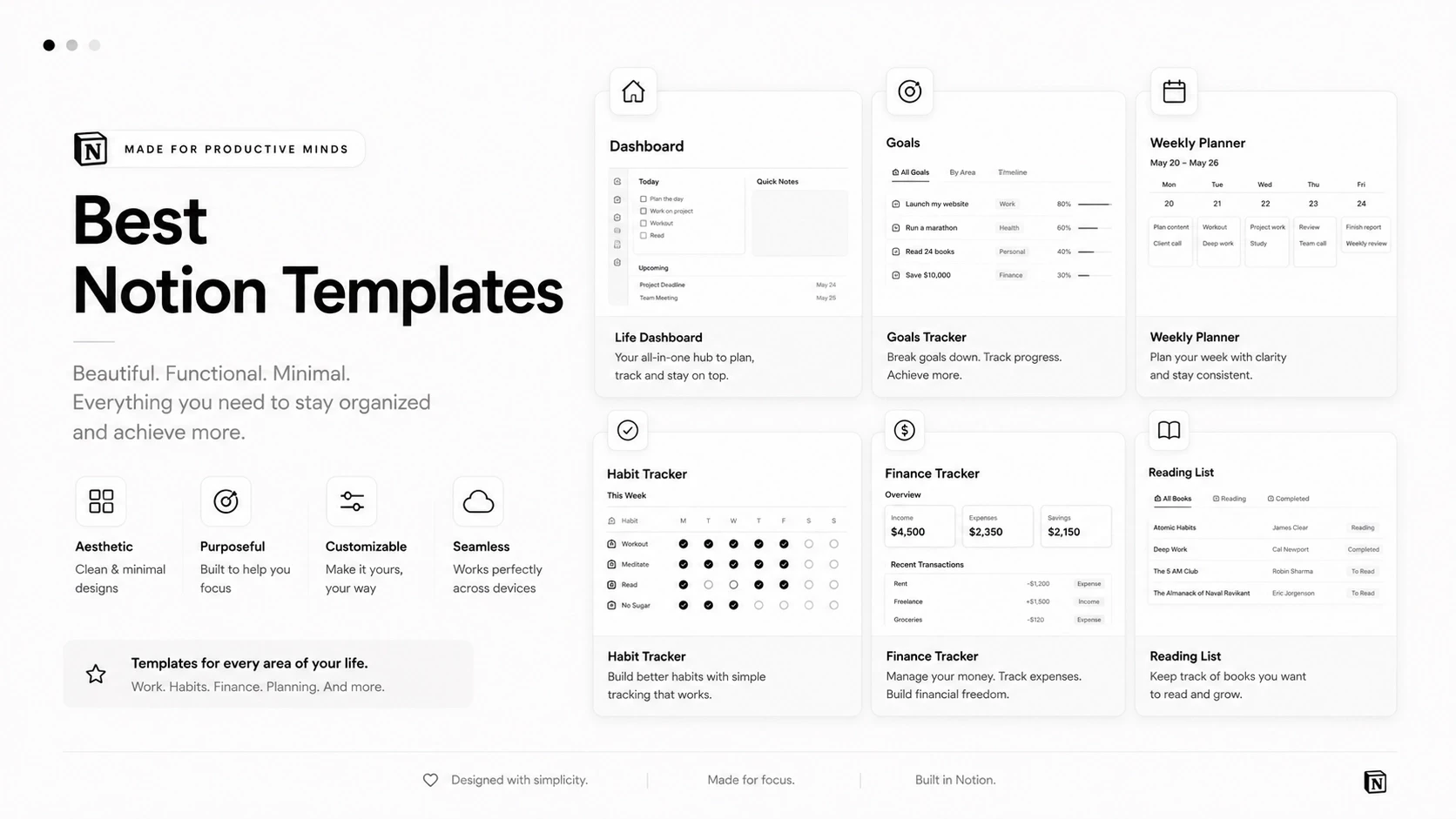
The best Notion template is not the one with the most databases. It is the one you still open in week six. That usually means it is narrow, quick to fill in, and easy to change when your life does. Here are the six we build and use most, and who each one is actually for.
What makes a Notion template worth using
It does one job well. A template that tries to run your whole life usually runs none of it.
It is fast to update. If logging something takes more than a few seconds, you will stop.
It works on the free plan. Notion’s free personal plan is enough for everything below.
You can take it apart. Every page, property and view should be editable, not locked.
Our six most-used templates
Life Planner — best for goals and habits in one place
Goals, habits and daily plans in a single calm workspace, so your week is planned in the same place your habits are tracked. Start here if you are trying to build a routine rather than manage a project. See the Life Planner.
Finance OS — best for money
Income, expenses, budgets and net worth, with a monthly review that takes minutes instead of an evening. Best if your money currently lives across three apps and a mental note. See the Finance OS.
Student Life OS — best for coursework
Classes, assignments and deadlines organised by semester, so nothing is discovered the night before it is due. See the Student Life OS.
Second Brain — best for notes and ideas
A capture-first system for notes, ideas and projects, built so that writing something down takes seconds and finding it again later actually works. See the Second Brain.
Productivity Vault — best for weekly planning
Weekly task planning with habits, streaks and project tracking in one view. The right pick if you are juggling several projects at once and keep losing the thread between them. See the Productivity Vault.
Fitness Tracker — best for training and meals
Workouts, meals and progress logged against your own goals, without the noise and notifications of a fitness app. See the Fitness Tracker.
What you get with every template
Instant delivery. The link arrives by email straight after checkout.
One click to install. Open the link in Notion and duplicate it into your own workspace.
No subscription. You pay once and the copy is yours, including every change you make to it.
Personal use. Templates are licensed for your own workspace, not for resale or sharing.
How to choose the right one
Pick the template that matches the problem you had this week, not the life you would like to have next year. A quick way to decide:
Your week feels chaotic and nothing gets finished → Life Planner or Productivity Vault.
Money is the thing you avoid thinking about → Finance OS.
Deadlines keep surprising you mid-semester → Student Life OS.
You keep losing ideas and links → Second Brain.
Training is inconsistent and untracked → Fitness Tracker.
One template, used properly for a month, beats four downloaded on the same evening. Set it up, use it for four weeks, and only then add a second one.
Common questions
Do I need a paid Notion plan?
No. Everything here runs on Notion’s free personal plan.
How do I get a template after buying?
You receive a link by email, open it in Notion and duplicate it into your own workspace. It is yours from that point, including any changes you make.
Can I customise the templates?
Yes — add properties, delete pages, change views, rename anything. They are built as starting points, not locked systems.
Which template should I start with?
If you are unsure, start with the Life Planner. It covers goals, habits and daily planning, which is where most people’s organisation problem actually begins.
Browse the full library
All of our Notion templates live in one place, filterable by category. Browse all templates and pick the one that fits the week you are actually having.